.png)
Get started - Step 5: Add Octany to your website
These five steps are:
1. Sign up for Octany ✅
2. Choose payment method and get started with the agreements you wish ✅
3. Set logo, terms, and colors ✅
4. Create the products you want ✅
5. Add Octany to your page 👈 Here we are now!
Add Octany's donation widget

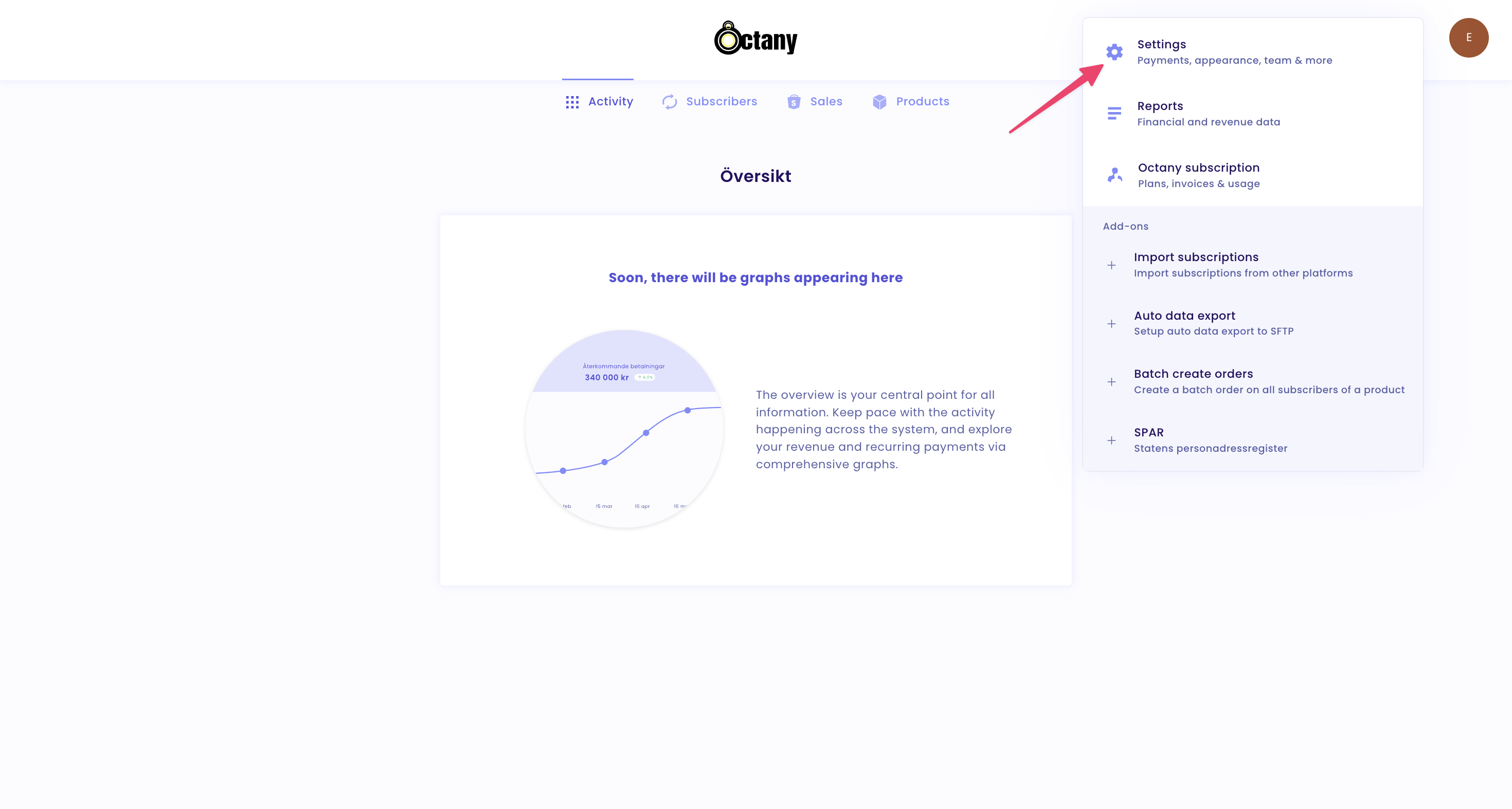
And then go to Settings
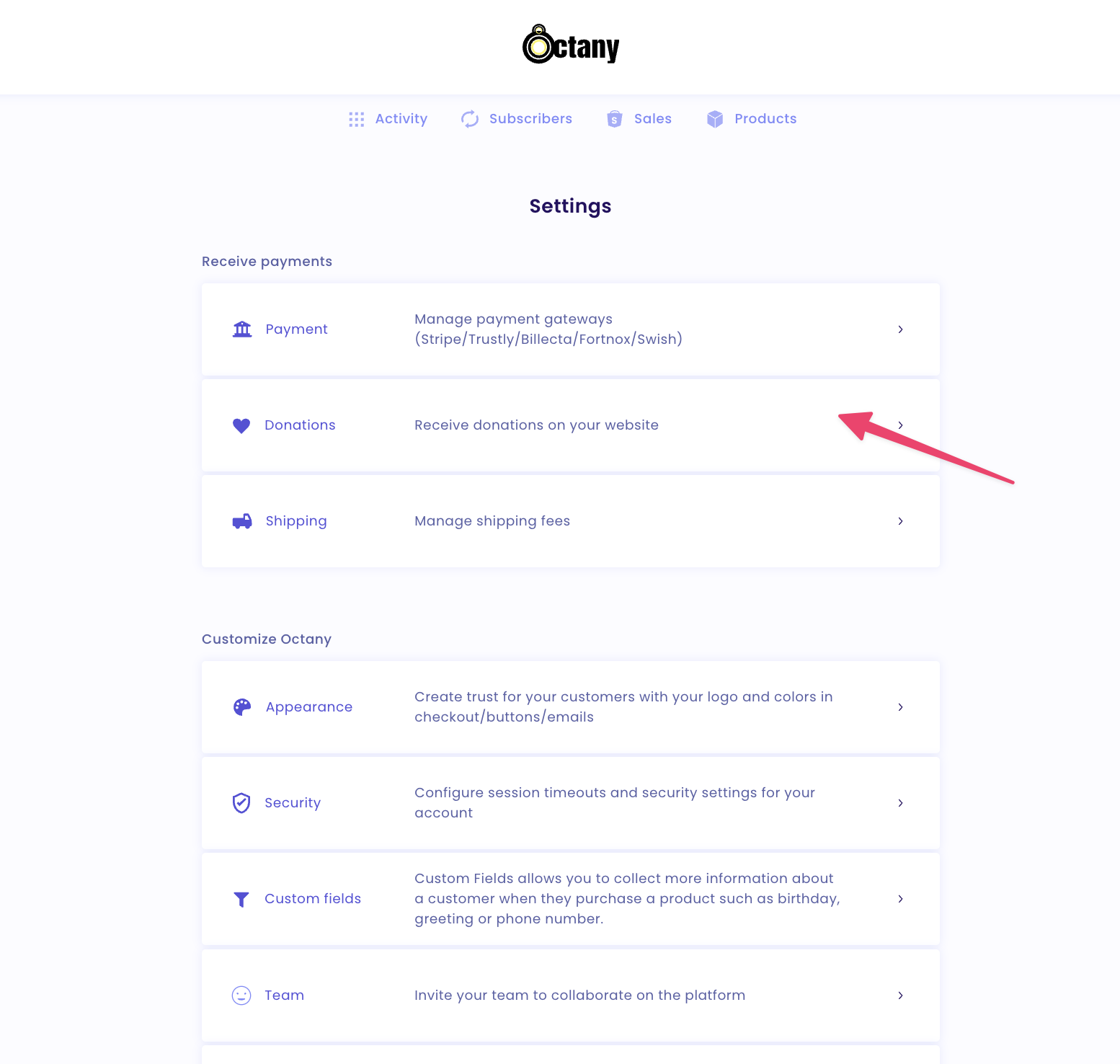
Go to Donations - Receive donations on your website
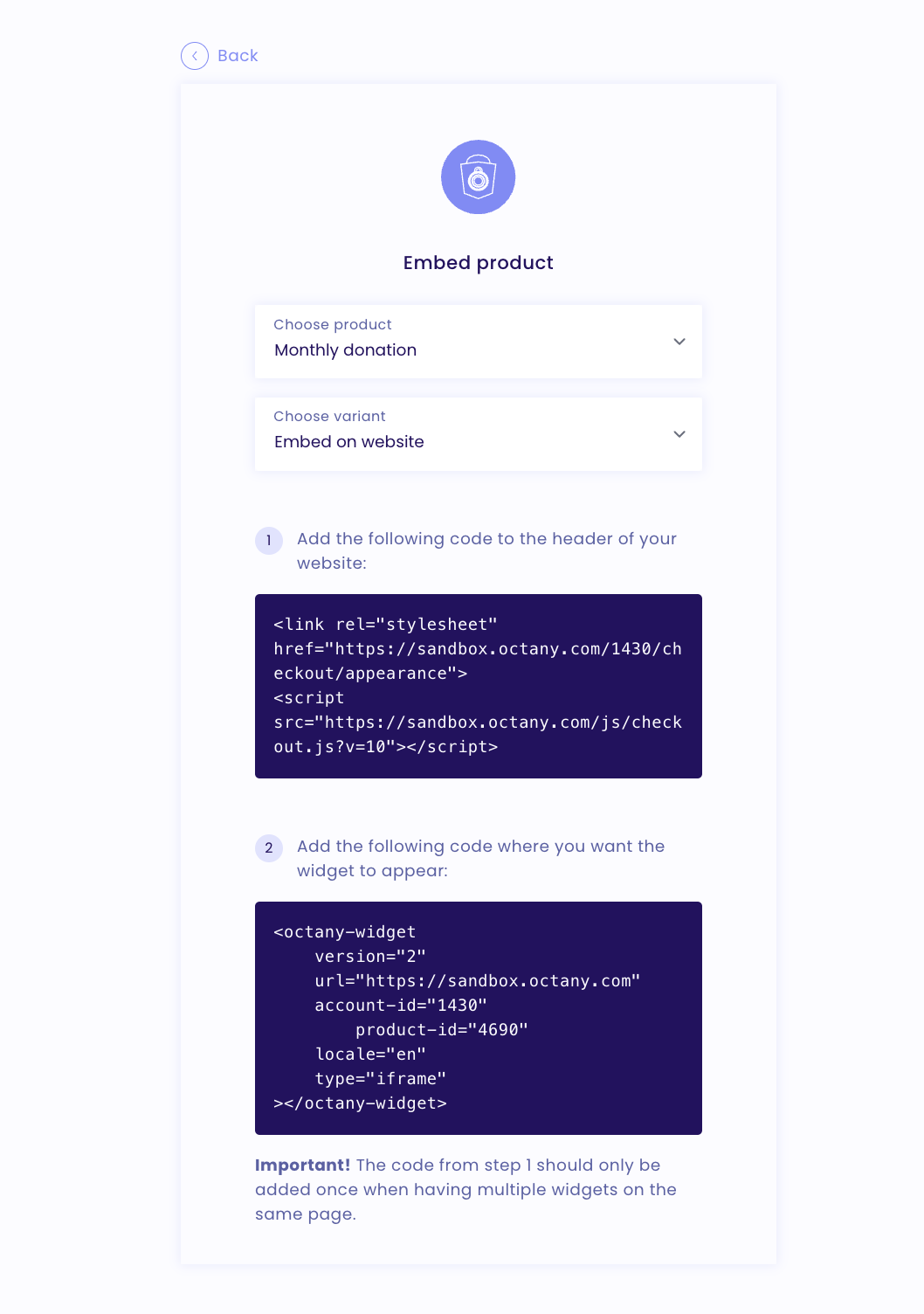
A new view will open where you can copy the code for the product
Other products
You can link other products directly from your webpage to the Payment link.
You can find it by going to Products and then selecting which product you want to add and choose Payment link
A tip is to make a button clickable on your webpage and then link to Octany

You have now completed this Getting Started guide and you are now up and running with Octany! 🎉
1. Sign up for Octany ✅
2. Choose payment method and get started with the agreements you wish ✅
3. Set logo, terms, and colors ✅
4. Create the products you want ✅
5. Add Octany to your page ✅